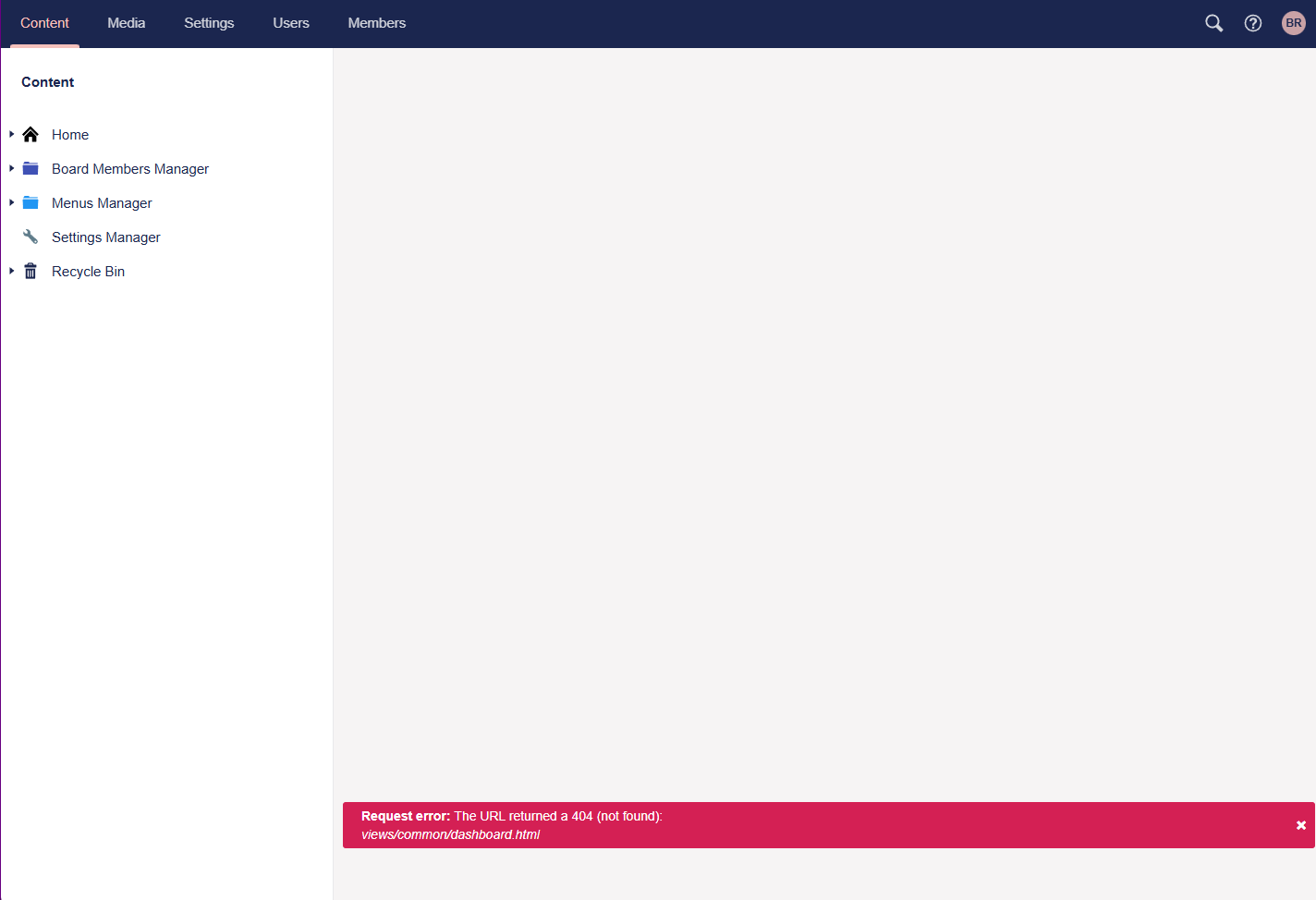
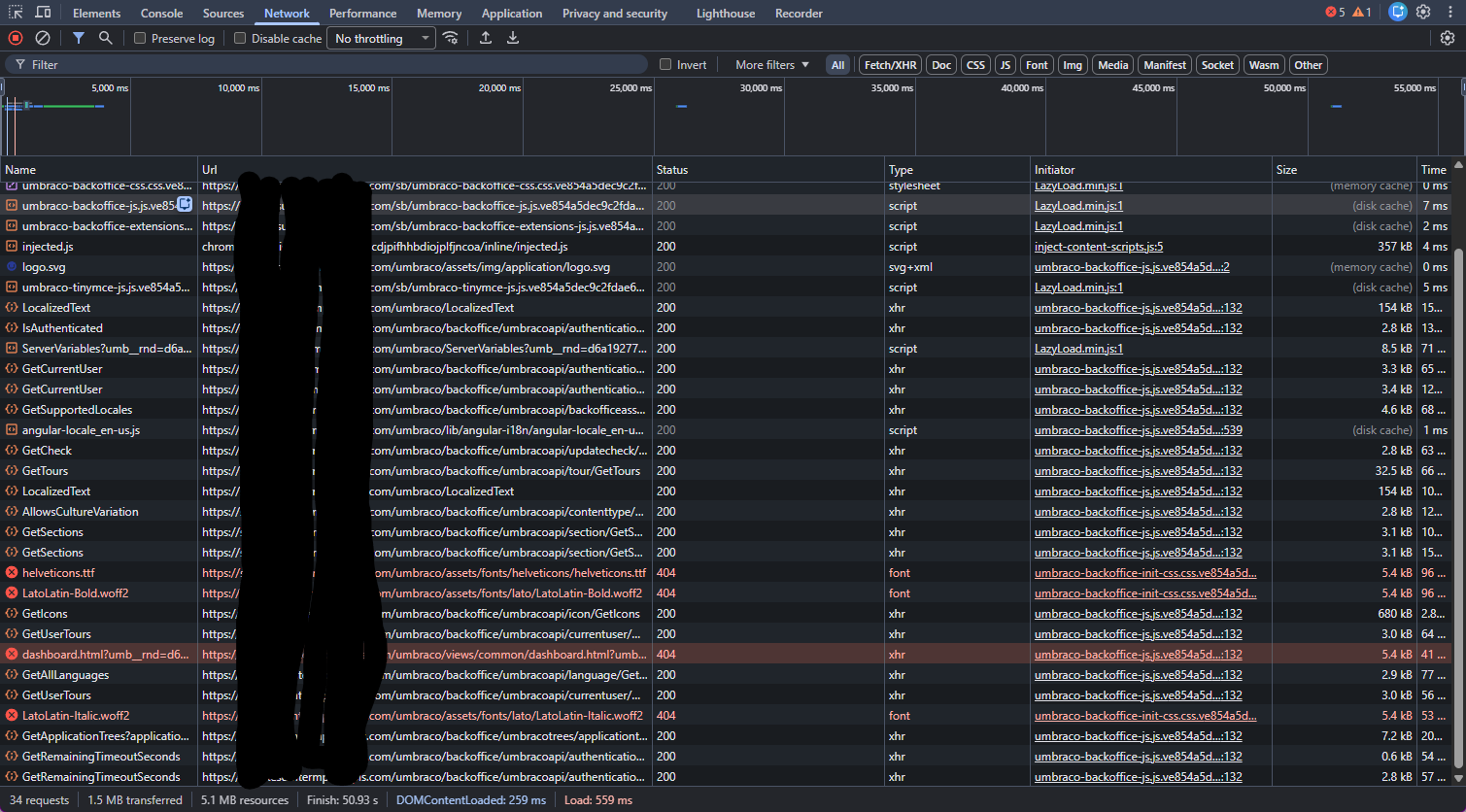
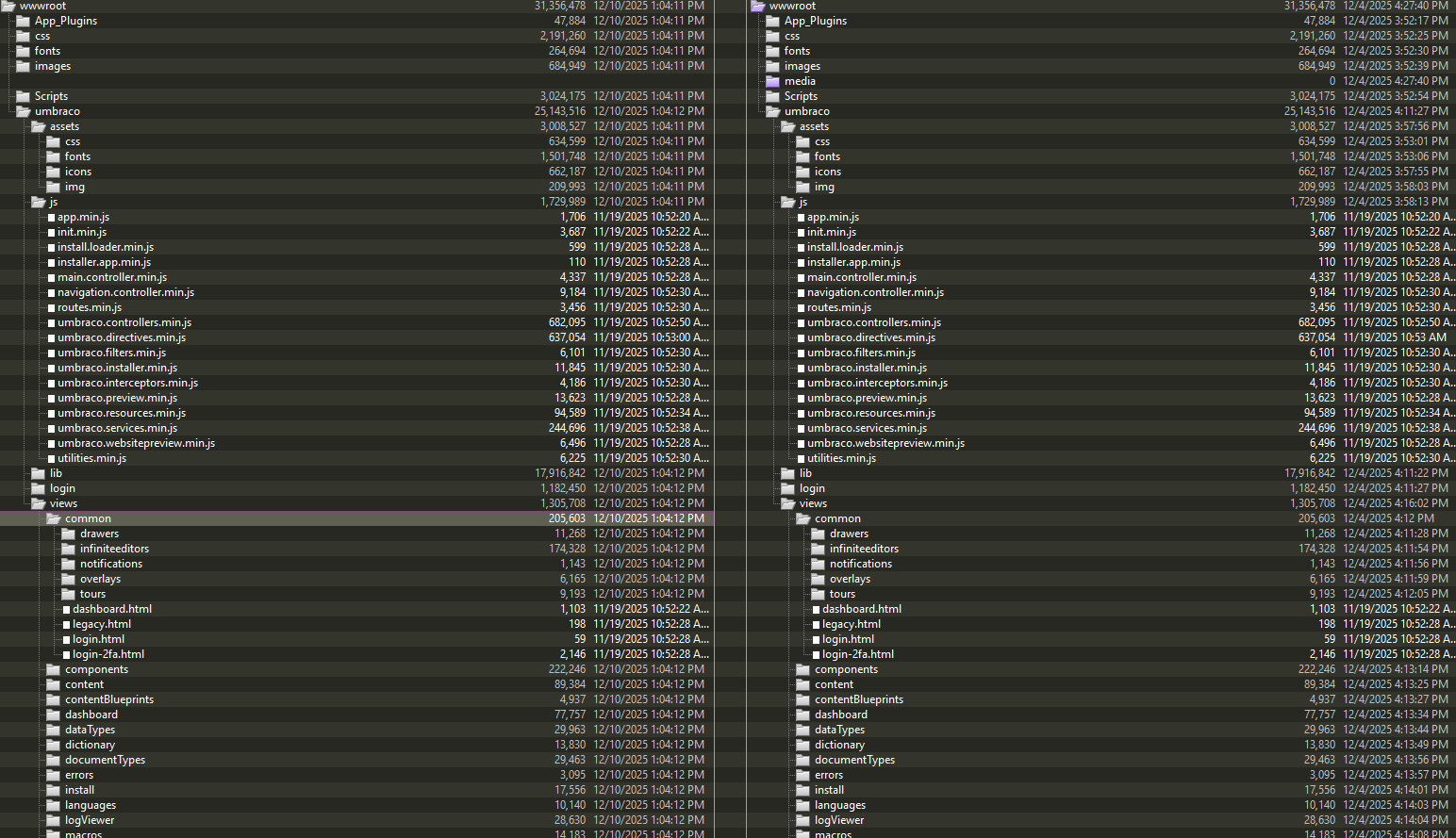
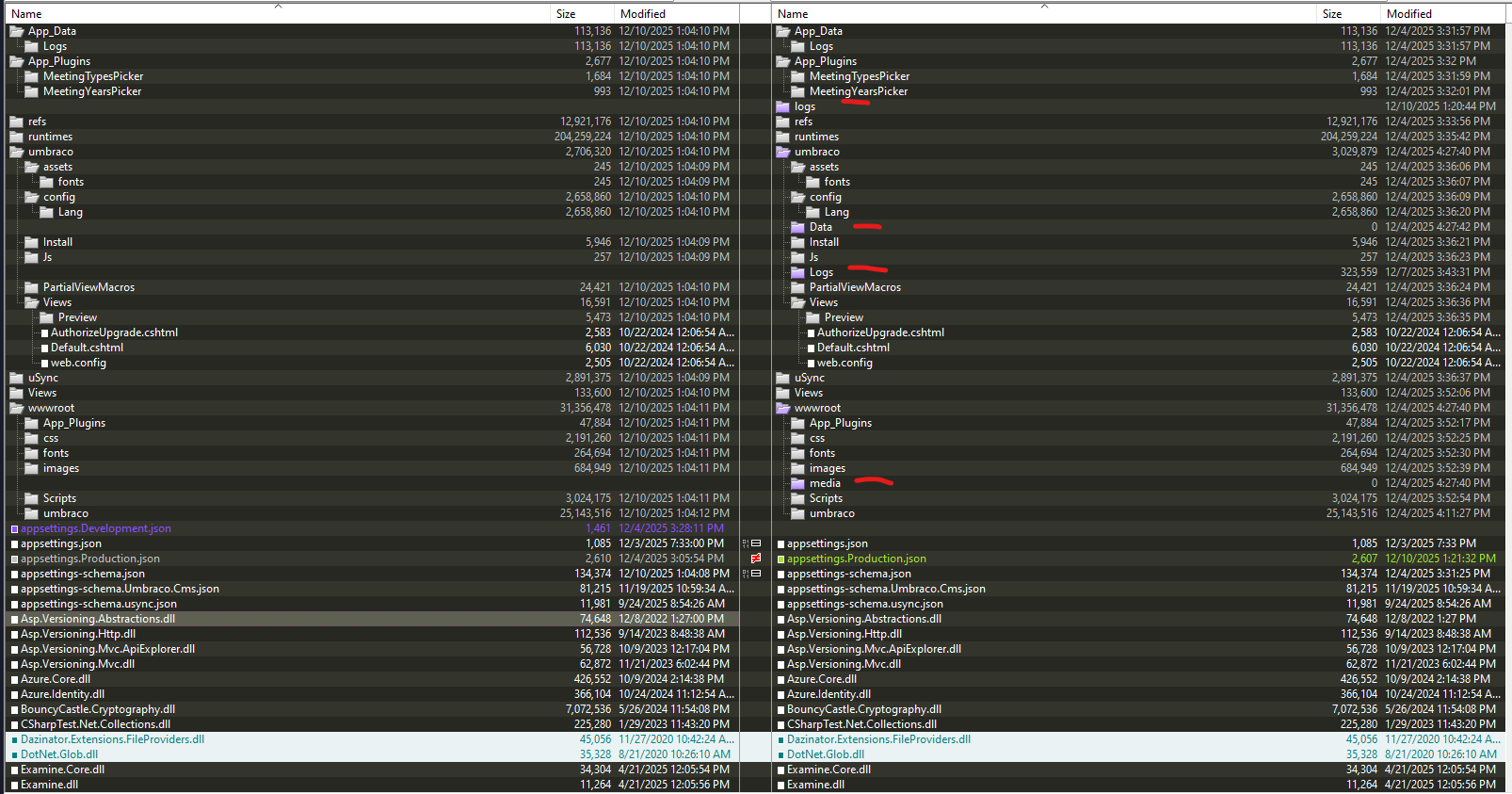
I just performed an upgrade from 10 to 13 and locally everything seemed to work just fine. And I have successfully upgraded other sites we host and maintain from 10 to 13. But when I deploy to our AWS IIS server, the front-end works fine, and I can log into the backoffice. Once logged in I can see menu items but clicking anything causes the errors you see in the attached screenshots. I have a feeling that it’s something server related since I can run locally with no issues.
I’m not an Umbraco expert and I was thrust into this position. So if I am missing important details please let me know.
Steps I have tried along with following the upgrade instructions here, Upgrade your project | Umbraco CMS
- Check permissions (File And Folder Permissions | Umbraco CMS)
- Check server setup (Hosting Umbraco in IIS | Umbraco CMS)
- Checked with our systems team for possible WAF issues (We have had WAF issues that caused the 404s but not here)
- Recycled app pool in IIS
- Stopped and started site in IIS
- Checked umbraco logs and no errors, everything is INFO level