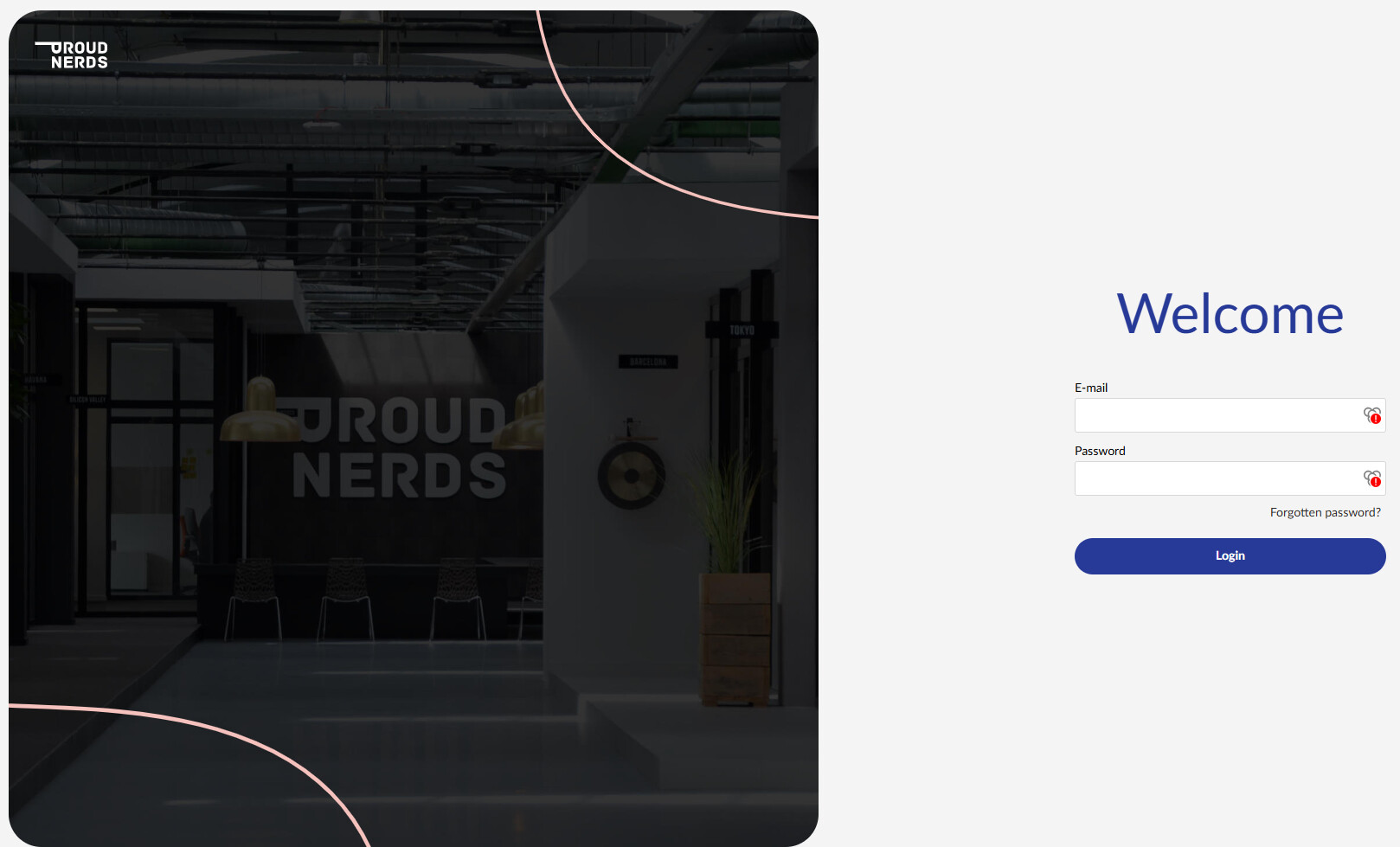
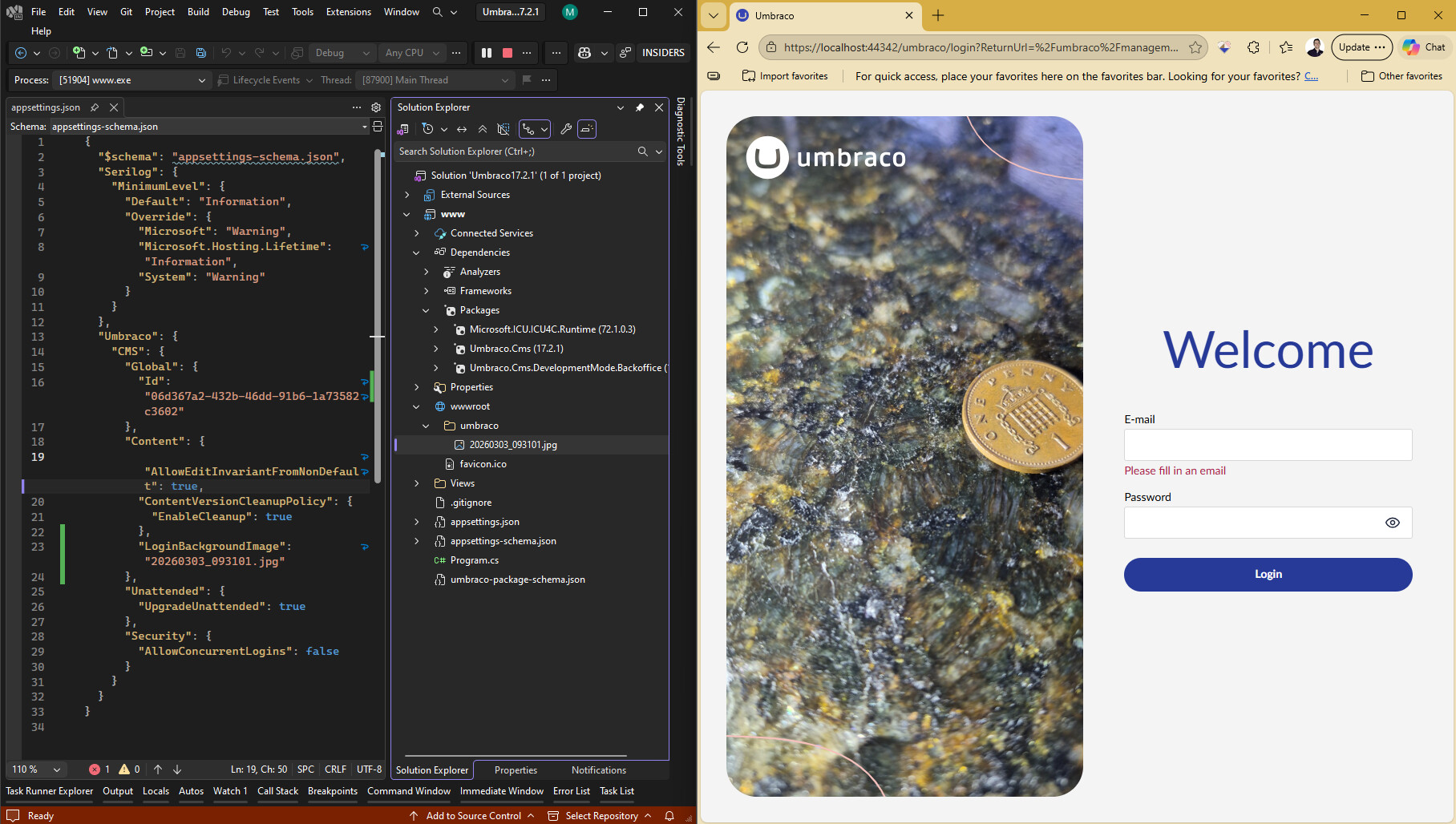
This works.
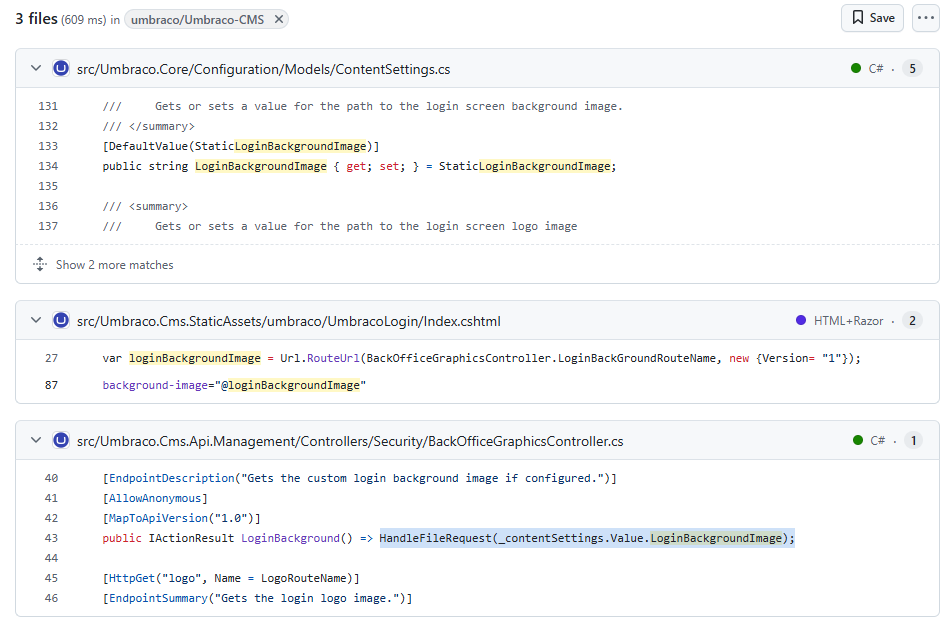
It looks inside /umbraco.
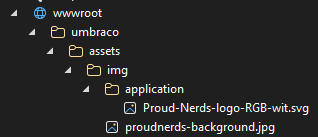
I have Umbraco 16, 15 and 14 sites where it is in wwwroot but not n the umbraco folder.
The documentation does state:
The LoginBackgroundImage, LoginLogoImage, and LoginLogoImageAlternative are referenced from the /wwwroot/umbraco/ folder.
But the code example above it indicates you can put it where you want along with other statements.
So if it is a core change while the documentation has been updated partially from what I can see from previous versions, it needs to be tweaked a bit more to be clear.
UPDATE:
Ok 
I thought I had this sorted this but while it works on localhost in a staging or production it still does not seem to work. This is really odd.
UPDATE 2:
Ok. Getting closer.
The API endpoints are always there. The code for these fetches the default images and loads them and if appsettings exist tries to use those.
The API endpoints are ALWAYS what are there regardless, the code loads the images.
-
The default loads correctly as is.
-
If you have Appsettings values and the path is not correct the custom logic does not render anything - I think this should have a fallback to use defaults if images are 404 here.
-
On a localhost build I can set images under /umbraco with…. “foldername/image.png”
OR I can load images outisde of the /umbraco folder so by setting the path… “/foldername/image.png”
As soon as I apply this to a compiled solution on UAT, Staging or Production site running in IIS though Neither of these work.
Removing the appsettings completly…
- Localhost - default loaded
- UAT and staging - Not working
- Production - Not working
So there is something going on here.
UPDATE 3:
“./loginimages/login.png” so ./ Will also work on localhost where the image is in wwwroot/loginimages folder.
On a build path it creates:
…. /wwwroot/umbraco/management/api/v1/security/back-office/graphics/login-background.png
It makes this pathing on the build solutions but this is not working.