Hello all
I am working on a site at the moment with Umbraco commerce.
Problem/question
This particular client sells training courses and what a user is adding to their basket is 3 seats at a training course and a variant being a given date that the training course is given.
The UX for this design collects the attendee’s Name and Email for this course at the time of when the user is adding them to the basket.
Idea to solve it
So my thought was to use OrderLine properties, but as my understanding I can’t add a different orderline property for each item being added to the cart?
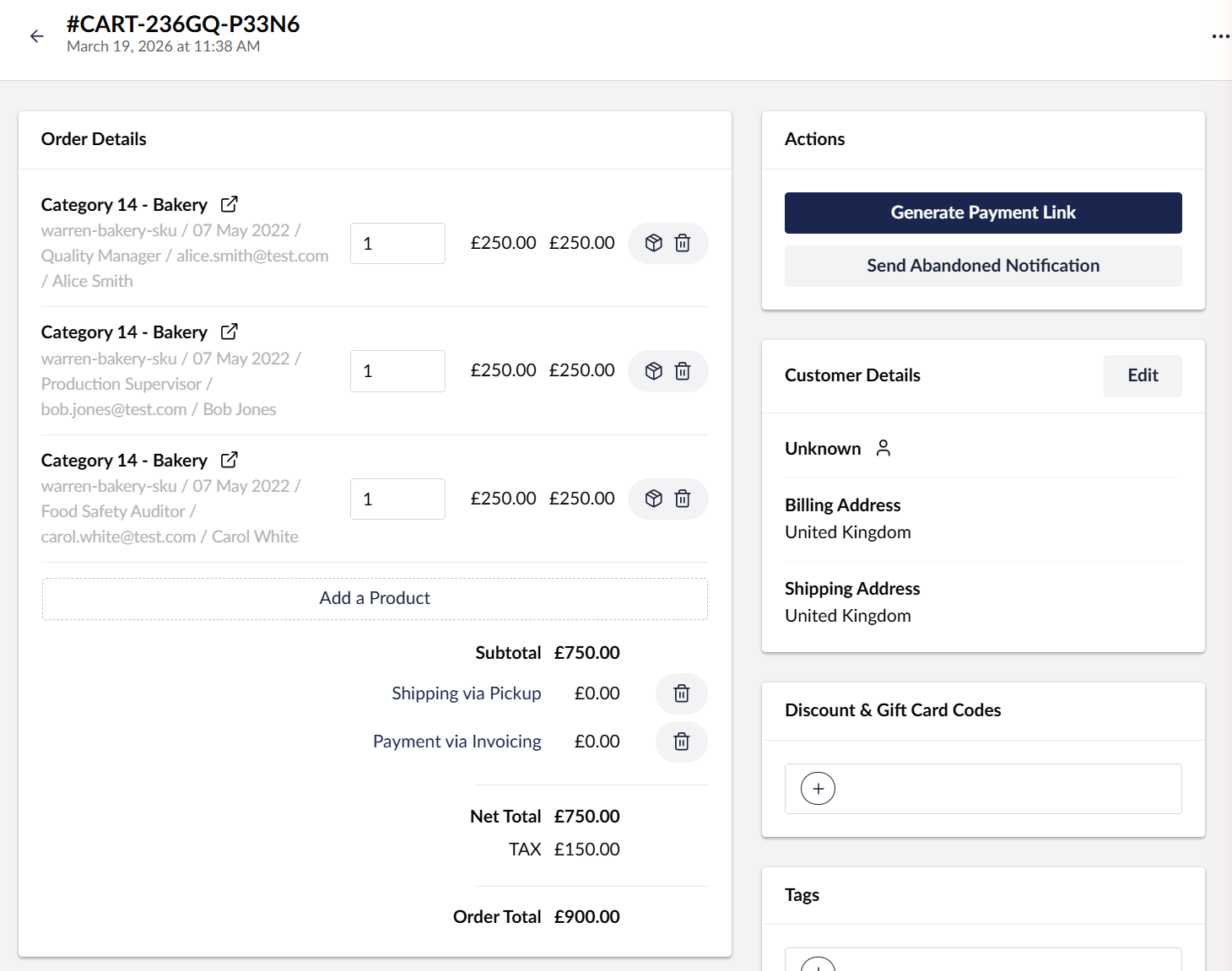
As in my mind it would be good to see the list of participants in your basket and in the backoffice for the commerce team to see.
What would you do?
What would be the best way to solve this, open to any ideas.
Hey Warren! I’ve done stuff like this before - can you clarify what you mean by “I can’t add a different orderline property for each item being added to the cart”?
Do you mean you need a different value or a different property?
Also order line properties are just dictionary values that are being applied via the code on submission - I don’t see why you couldn’t add a different one for each item being added to the cart? I think I need to better understand what you’re attempting to do in the workflow
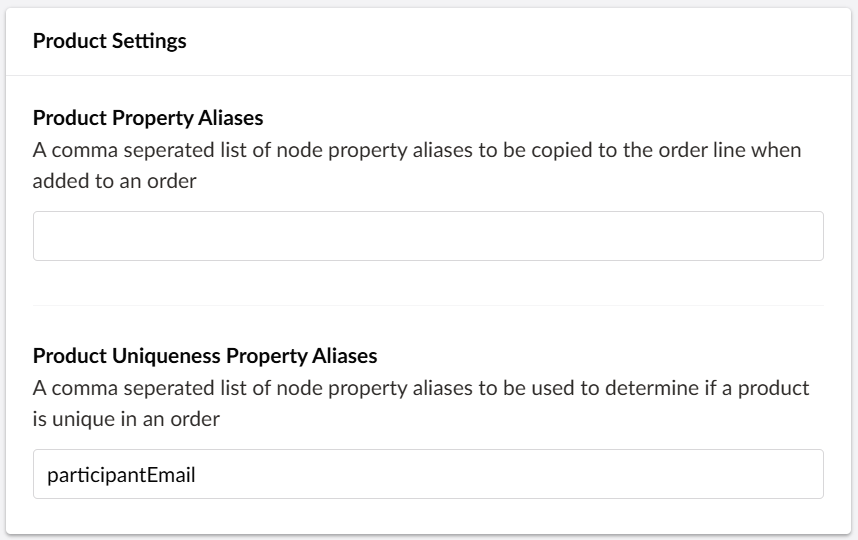
You basically need to tell commerce (via store settings) which property aliases are considered uniqueness properties and then for every distinct value you give it will force to create distinct order lines rather than just increasing quantity
To give you a bit of context, here is the C# code I have in the controller.
var productRef = course.Key.ToString("D");

// Add one order line per participant for the same course & session
try
{
    foreach (ParticipantViewModel participant in model.Participants)
    {
        await _commerceApi.Uow.ExecuteAsync(async uow =>
        {
            Order order = await (await _commerceApi.GetOrCreateCurrentOrderAsync(storeId.Value))
                .AsWritableAsync(uow)
                .AddProductAsync(productRef, null, 1m, new Dictionary<string, string>
                {
                    { "participantFullName", participant.FullName },
                    { "participantEmail", participant.Email },
                    { "participantJobTitle", participant.JobTitle },
                    { "sessionContentKey", session.Key.ToString("D") },
                    { "sessionName", session.Name ?? string.Empty }
                });

            await _commerceApi.SaveOrderAsync(order);
            uow.Complete();
        });
    }
}
....
The basket ends up having a quantity of 3 but I can only see one order line for all 3 items. I had assumed I could add an orderline properties for each item/quantity. But that does not seem to be the case, my next thought was to have some JSON string in one of the properties and a custom Property Editor (UI) to then parse it and render it out, but I am going to try Matt’s suggestion next
Thanks Matt this worked, but perhaps the docs and the description for the label in the UI needs updating to say it can work with property aliases being added as order line properties as well.
As the participantEmail is not on the content node of the product and when reading the docs and the label of the input in the backoffice UI, I initally thought well this is not gonna work. Thought OK give it a try and see what happens and yep it just works