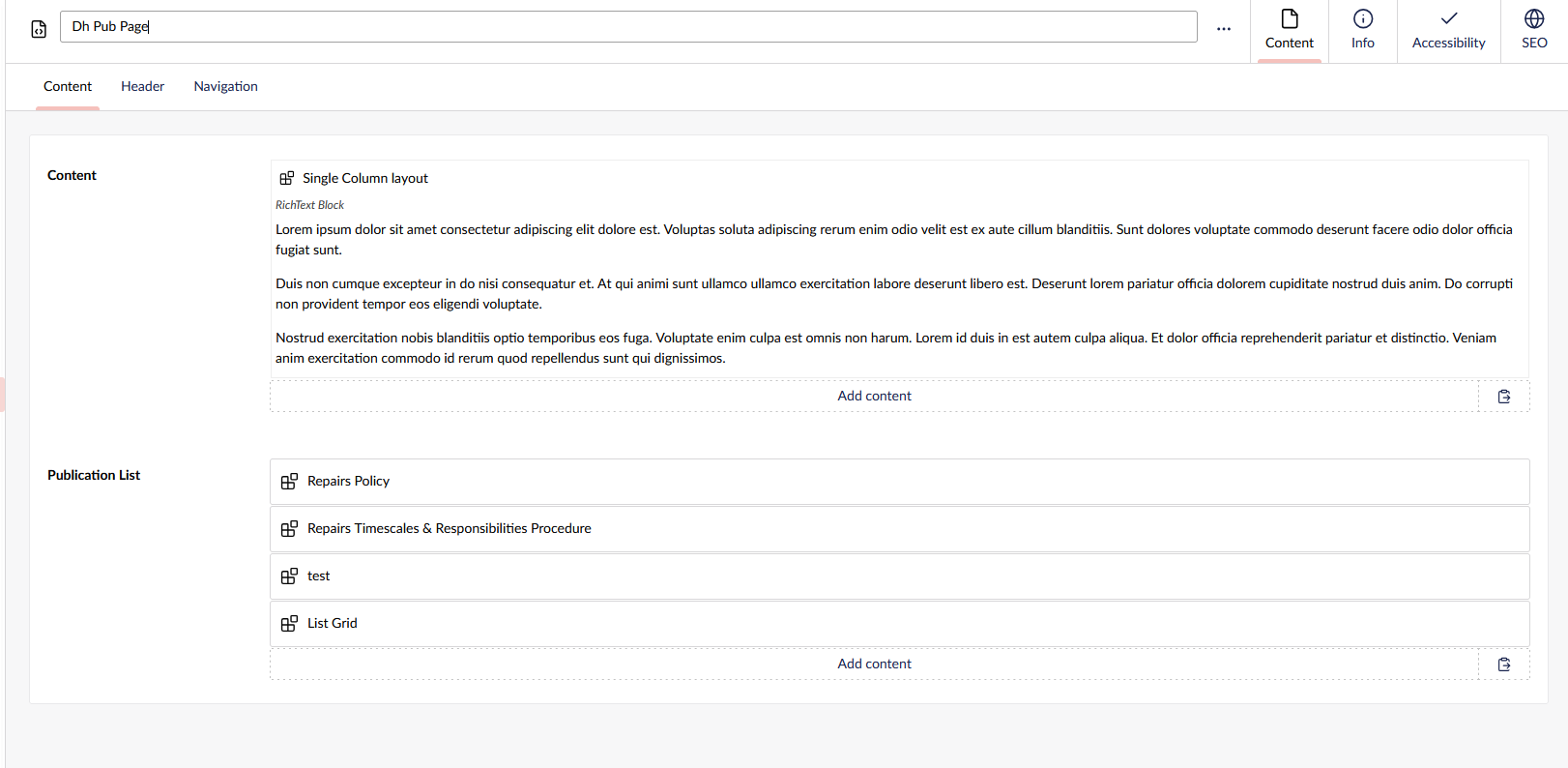
When I add my new grid List to a list, when I try and render the Block Grid inside a block list it not rendering.
I tried the following code:
@using ContentModels = Umbraco.Cms.Web.Common.PublishedModels;
@{
    var content = (ContentModels.ListGrid)Model.Content;
    IPublishedContent x = content.Value<IPublishedContent>("content"); // "listGrid"); // "content");
    string s = "";
    @await Html.GetBlockGridHtmlAsync(x, "content")
}

But it not working can someone point me in the direction I need to go.


Thanks
Darren
It seems you’re using content as a string( "content" ) rather than passing the content object through.
I’d always encourage using the ModelsBuilder for the strongly typed models that would avoid this exact scenario.
Your content object is already cast to a ListGrid so why not just use that rather than cast it back to a n IPublishedContent ?
I would question the use of a Block Grid inside a Block List, as that would create more overlays for an editor and could be confusing?
If you want to do it, I think the issue is that you are trying to get an IPublishedContent when all blocks or IPublishedElement, so that is mostly likely why it is not working.
Does something like this work (untested AI example)?