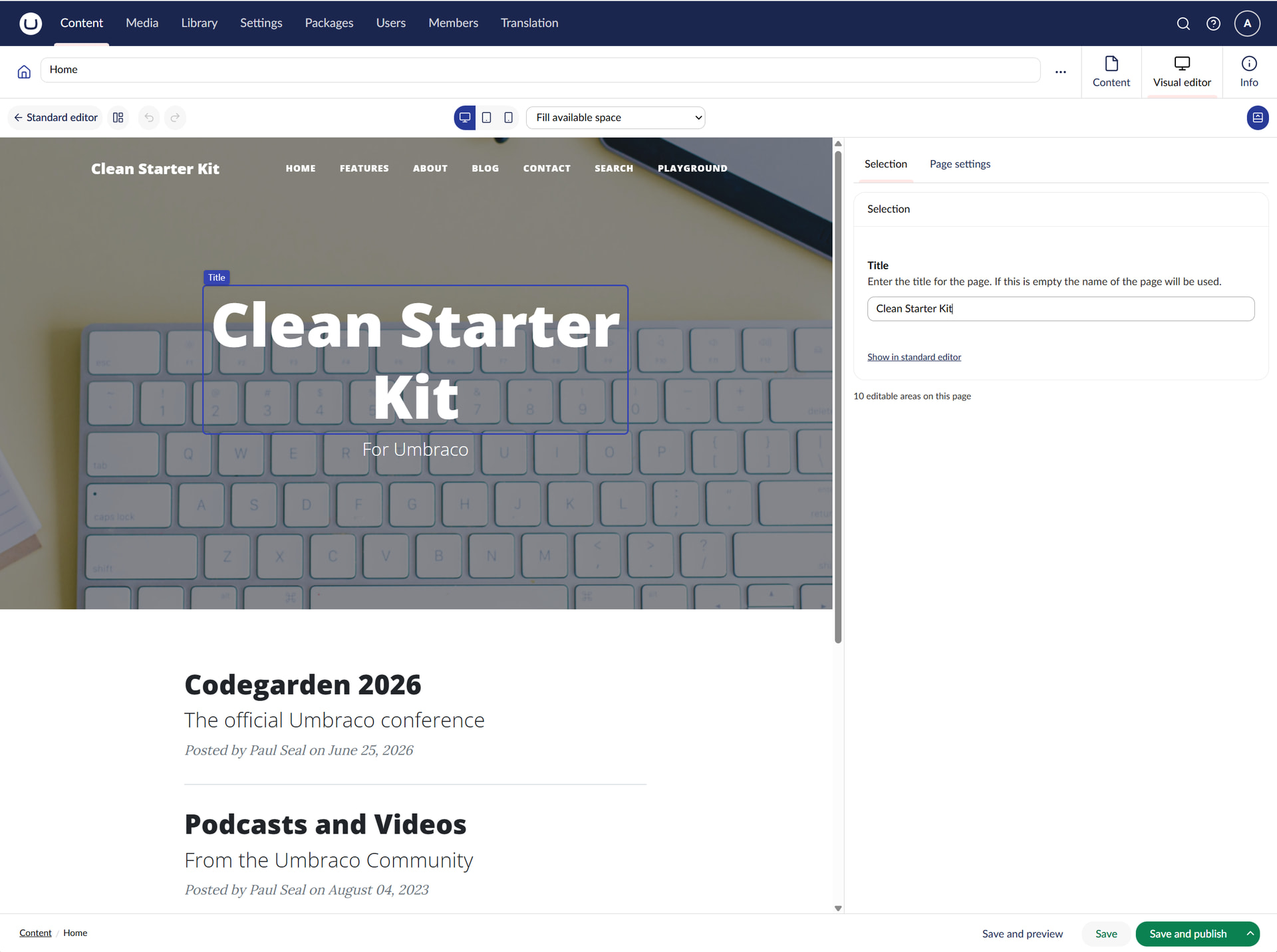
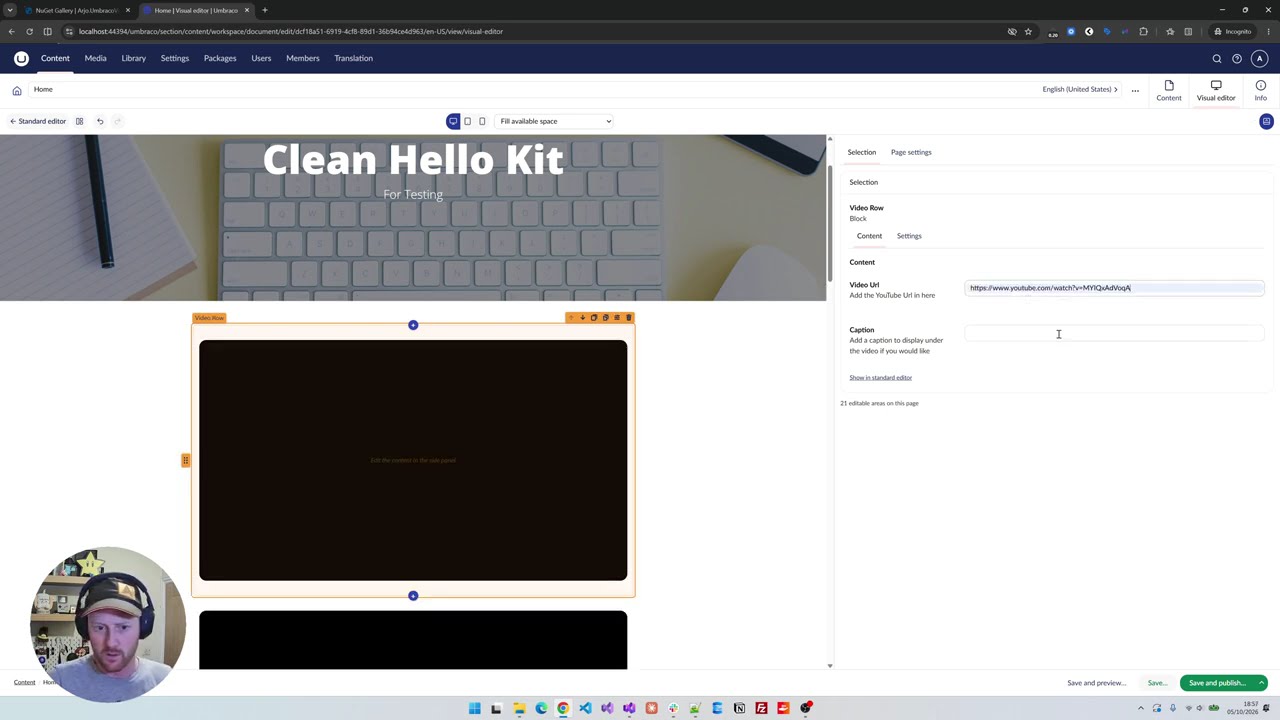
Ever wished you could edit content with all the visual fidelity of the front end without flipping back and forth with preview? I know I have… Having tried a few things over the years it was time to go back to the drawing board and re-invent what I was working on for the new back office.
Introducing… the Umbraco Visual Editor!
It installs straight on top of any Umbraco installation, creates a new Workspace view and lets your editors update their content in realtime. Some sites require a small using wrapper, but if you’re using the standard Umbraco Block List / Block Grid layouts there’s no markup changes required.
Here’s what you can expect to see in the back office:
@Rockerby This looks awesome! I’m going to swap out BlockPreview with Visual Editor on a current project to see how it works/performs. One question: is there a way to determine if the current view/partial is being rendered in the Visual Editor? In BlockPreview you can use Context.Request.IsBlockPreviewRequest() to do some BlockPreview specific stuff. For example in the preview I like to display a little information label for each block that shows which heading tag (H1, H2, etc.) or anchor name has been set for that block. That way the editor can more easily check document structure and configure internal page links, without having to open the block to find out which anchor name should be used.
Edit: I usually also disable form rendering in the previews, we just show a skeleton placeholder. I would also like to be able to load a preview JS/CSS override. This could for example disable certain scripts or expand all FAQ blocks in the Visual Editor preview. Anyway, you get the picture.
Edit: By the way, I also really like the fact that the content editor can choose to work with the Block List/Grid editor (e.g. for quick edits) OR the visual editor (e.g. for working on new pages or big changes to an existing page).
Thanks @creativesuspects ! I’d love to hear some feedback once you get a chance to use this in force
In the meantime… Your feedback has been heard and we’ve launched v17.1.0 and v18.1.0!
Contains some notable updates:
Blockgrids / Blocklists that have no content now have a marker to allow you to add content to empty blocks easily
There’s now a helper so you can add conditional content to your views that only show/hide when you’re in the Visual Editor
Show all of the properties in the “Page Settings” tab, not just the properties we couldn’t find on the page
Edit: we also inject some JS and CSS automatically into the visual editor only (not FE). Just drop it into the below location on your project and it’ll pick it up automatically.