I can’t vouch for this working exactly the same on v13, but I believe it should.. @lotte and I have explored what it takes to open source a cloud site and of course we didn’t want any secrets in there either as Simon mentioned
I think the solution we came up with is quite elegant, doing the frontend build in a GitHub action, which is something that GitHub is really good at and as @JasonElkin notes: not something we would want to build for Umbraco Cloud because… it’s not infrastructure that we should be maintaining.
In my case I am using BitBucket pipelines on the project in question but it does pretty much the same thing as GitHub actions I think. I even tried a process similar to what I understood from your blog post/repo but it ends up committing the front-end files in the Umbraco Cloud Git repository I think? That’s not so much of an issue if you are not syncing that back to your working repository but, in my case I am/was trying to. I guess it’s not the end of the world if I don’t but I also don’t like being beaten by a problem that I believe should have a relatively simple solution
These assets will never be committed to any Git repository either!
I’m sure I found that anything that ends up in the zip that you send to Umbraco Cloud via the CI/CD API gets committed into their git repo and if you exclude anything using the cloud.zipignore or .gitignore it won’t get deployed.
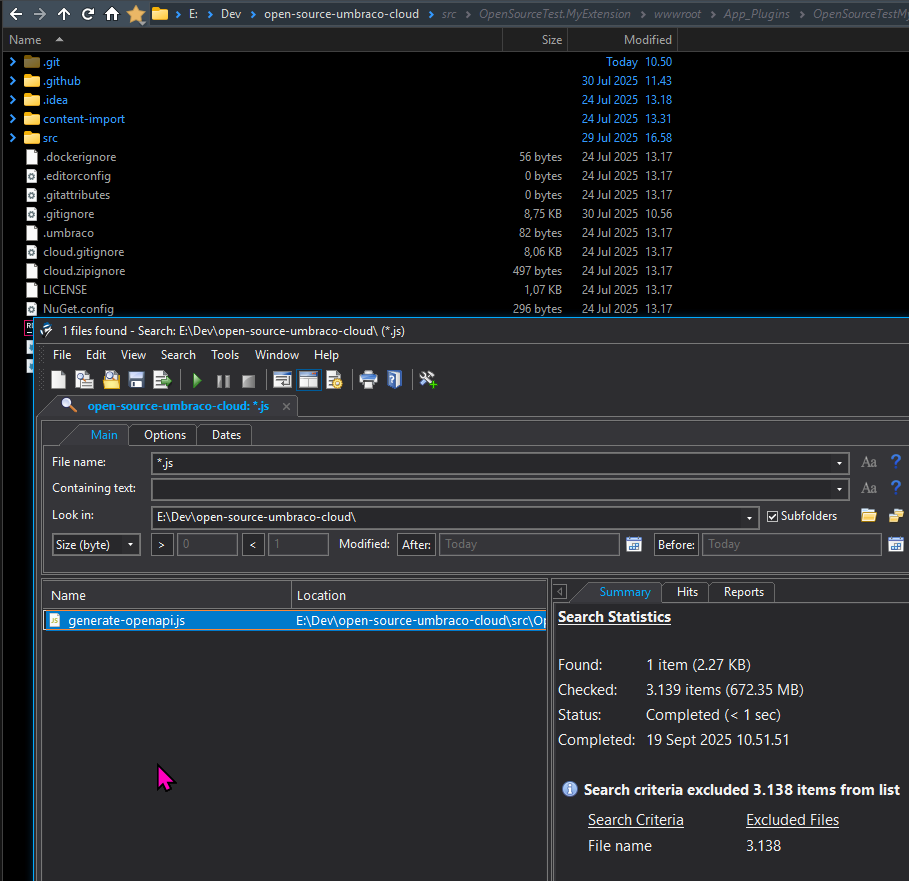
I should have seen a file like _index-BiSmRwM1.js in this search otherwise.
Of course I am not sure how the BitBucket pipeline works, but presumably you’ve adapted it from the CI/CD documentation.
I will note that we only had a backoffice extension set up for this site, which deploys as an RCL, so that might actually be where the difference is!
Ah, come to think of it, I don’t think it’s a problem if the frontend assets (after NPM build on some build server) end up in the Cloud Git repo though. It’s actually necessary to deploy from one Cloud environment to the next, as that is a “dumb” deploy of the Git repo, where no additional CI/CD steps are possible.
Just to point what our docs say:
Umbraco Cloud repositories are only deployment repositories and should not be used as source code repositories.
So the confusing thing here is probably: it looks like you’re working with the Cloud Git repo, but no, you’re working with your very own Git repo where you can do what you want, which then feeds into a NEW Git repo, which is the Cloud repo.
So to conclude:
I think setting up a CI/CD pipeline with your preferred Git hoster is quite a normal thing to do.
Of course, the one thing that you need to know about is that Cloud expects a packaged thing that it can run dotnet publish on and everything will end up where it needs to be. This setup is already heaps better than what you had to do before (don’t forget to run an npm build before you commit your files for Cloud otherwise your frontend changes won’t end up in Cloud).
That said, I look forward to the day where we can just say: give us a docker container and we’ll run it
Yes, that does seem to be the case. In most cases it wouldn’t be an issue but the customer is quite hands on and so being able to sync back changes as part of an automated workflow would be useful and avoid any changes they might make being overwritten in a future deployment.
Thanks @sebastiaan I appreciate the detailed reply.
We are doing the npm build as part of our pipeline but we were then excluding output artefacts from Git which was a decision we had to reverse or they did not get deployed. As such it is now deploying everything we need.
As @skttl has mentioned we do really need to treat the two repositories independently for now.
I had that side of things working, it just had stuff in it I didn’t want back in our repo. I’ve already spent far too much time on this so going to have to suck it up for now and try an return to it at a future date
Might just be a matter of updating .gitignore, ultimately I guess you only want document type changes (etc.) synced back. But really, those should never change after local has been deployed.
Maybe I’m missing something though! Biggest thing that this should do is update the Umbraco version when Cloud does auto-upgrades.
It does that too. I get all the changes I make in the cloud repo (eg. if I change schema on live ). But because I have ignored the path to my frontend output in my own repo, these does not make it from the cloud repo back to my own. Everything else does.
ultimately I guess you only want document type changes (etc.) synced back
Yes, and automatic upgrades.
ultimately I guess you only want document type changes (etc.) synced back. But really, those should never change after local has been deployed.
No they shouldn’t, but this customer is quite hands on and make changes sometimes in the dev environment when testing or updating property names/descriptions that need to be sync’d back so I need to ensure they are not lost.




 ). But because I have ignored the path to my frontend output in my own repo, these does not make it from the cloud repo back to my own. Everything else does.