Recently launch new U13 site to IIS. After a couple weeks of various Error 500 issues, followed by ‘Boot Failed’ errors, I finally got a generic ‘Page Not Found’, however I am able to login and see everything in the back-office. But I can’t figure out why the front won’t load, and I’m not sure where else to look. I just ran a fresh build and clean ‘Publish’. Trace logs only show “No physical template file was found for template {Template}…“, but I don’t know why this is happening. Anyone have some ideas what I can check next?
Hi Greg,
welcome to the orum and sorry that you are having issues
have you tried spinning up a vanilla sit from scratch to make sure that your process is working?
Are the templates being copied across.. maybe they need to be redeployed ..If youare able to login, it shows IIS is running..
also check in the settings section in the back office to se if you can se the file contents in the template folders
is it for specific pages ? or for all pages
also check your folder an iusr permisions .. always worth checking
Spun up a new U13 w/template, published it and it worked perfectly, so definitely something with my site. To answer your questions, though - yes, all the template files uploaded as expected, and all permissions are set correctly. All pages are failing - not just the home page. Several Google searches seem to indicate I have a routing problem somewhere, but I’m not sure where. I’ll compare my files to the newly spun-up version that worked and see what turns up, but if anyone has any other ideas, I’d love to hear them. Thx

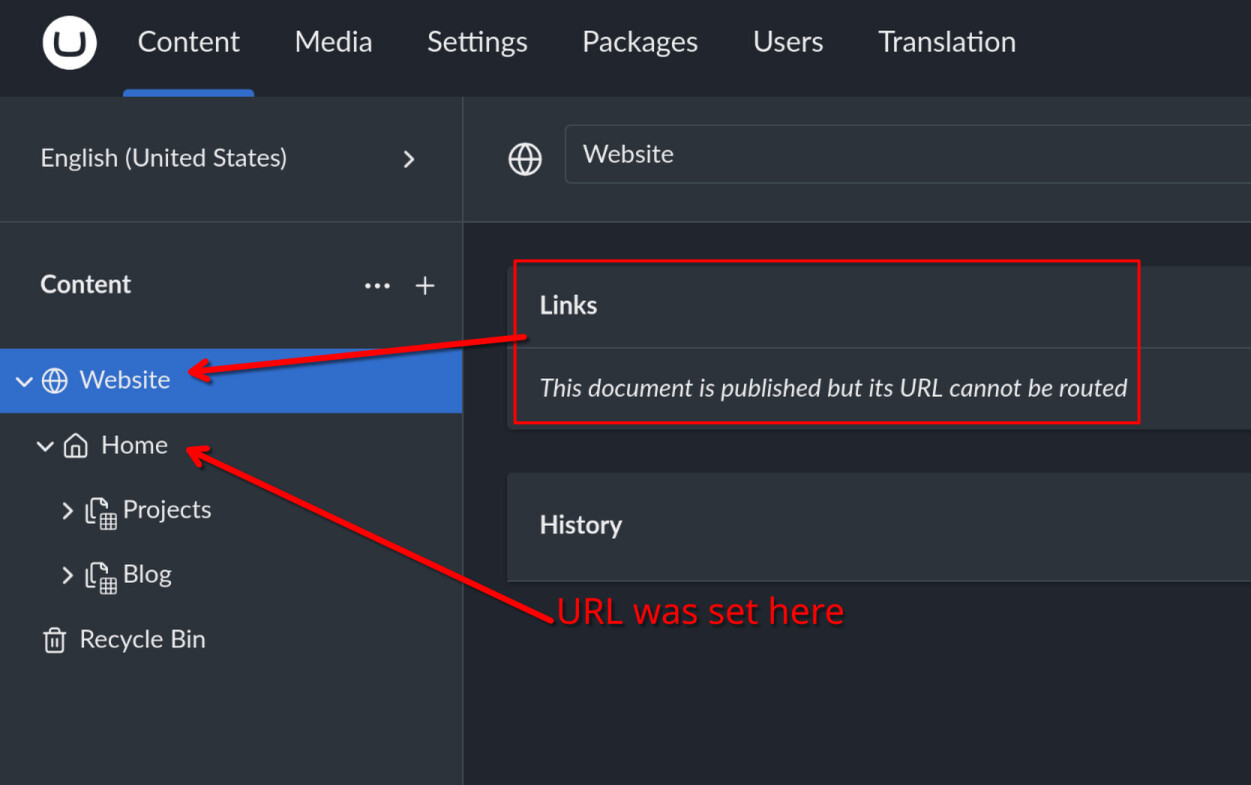
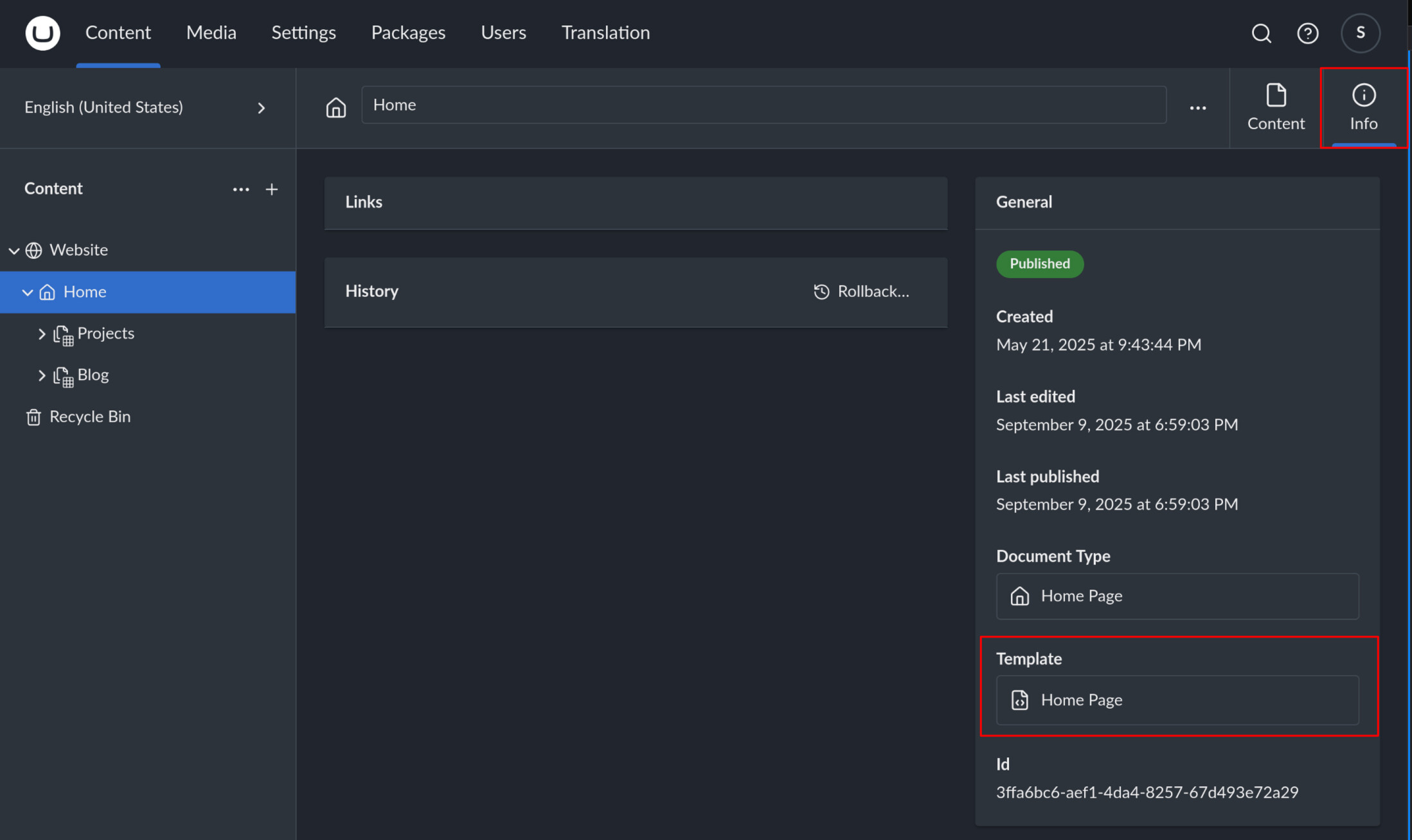
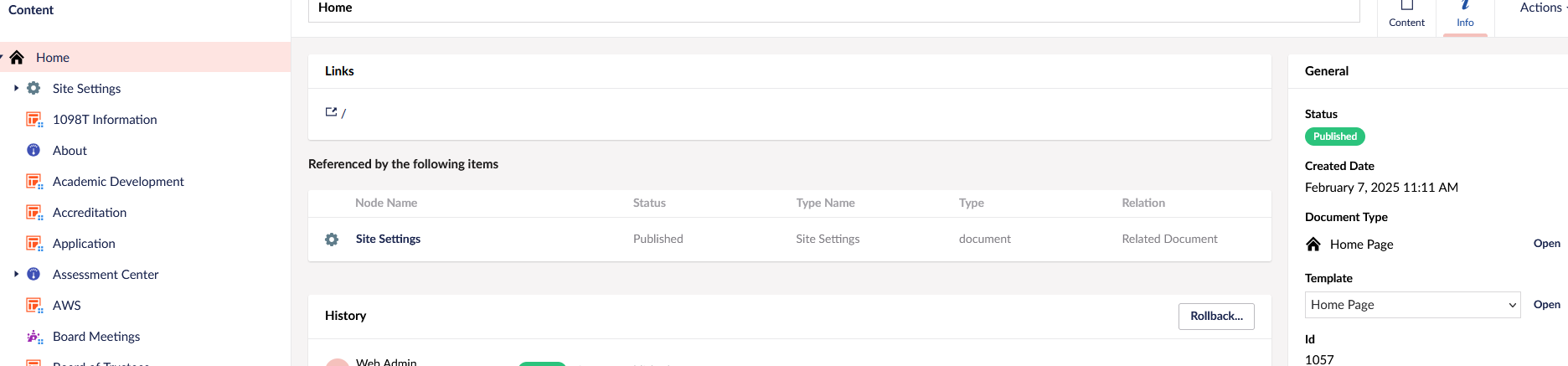
Cool!
Can you also try and click on the “Open” link for the template?
I would like to confirm that your application can actually read the file content.
It does. It says it’s ‘not editable when using runtime mode: Production’, but it does open the template.
So a couple of things.. now we have started to get some more information..
Let’s make sure we are switching on and getting logs ..
You can then add code to log and see if you can find issue..
My instinct would be to add pages and functionality step wise to see where it is breaking..
simple home page template ..
Interrogate your logs to see if it’s a common function .. or an issue with routing..
Also are the references for the production site set.. ie it’s not got some weird config which is an internal server and that is causing a failure..
So rip your code out the home page and make the page and template dumb.. see if that works , and then add stuff and complexity back in.. my old boss taught me a great phrase if in doubt take it out ..
Hello @greg!
When turning on production mode, make sure you follow all the steps in the docs - especially this bit:
You can remove the following properties from your csproj project file to enable the compilation of Razor views (which also ensures your views do not contain compilation errors and is a prerequisite for enabling Production mode):
<RazorCompileOnBuild>false</RazorCompileOnBuild>
<RazorCompileOnPublish>false</RazorCompileOnPublish>
Thank you Richard! - this is what I missed. Removing those triggered a few other small issues, but ultimately I was able to get the site running. Marking as the solution. Thanks again.